
Model 3/Y Key Cards
$45
Retail Price: $45
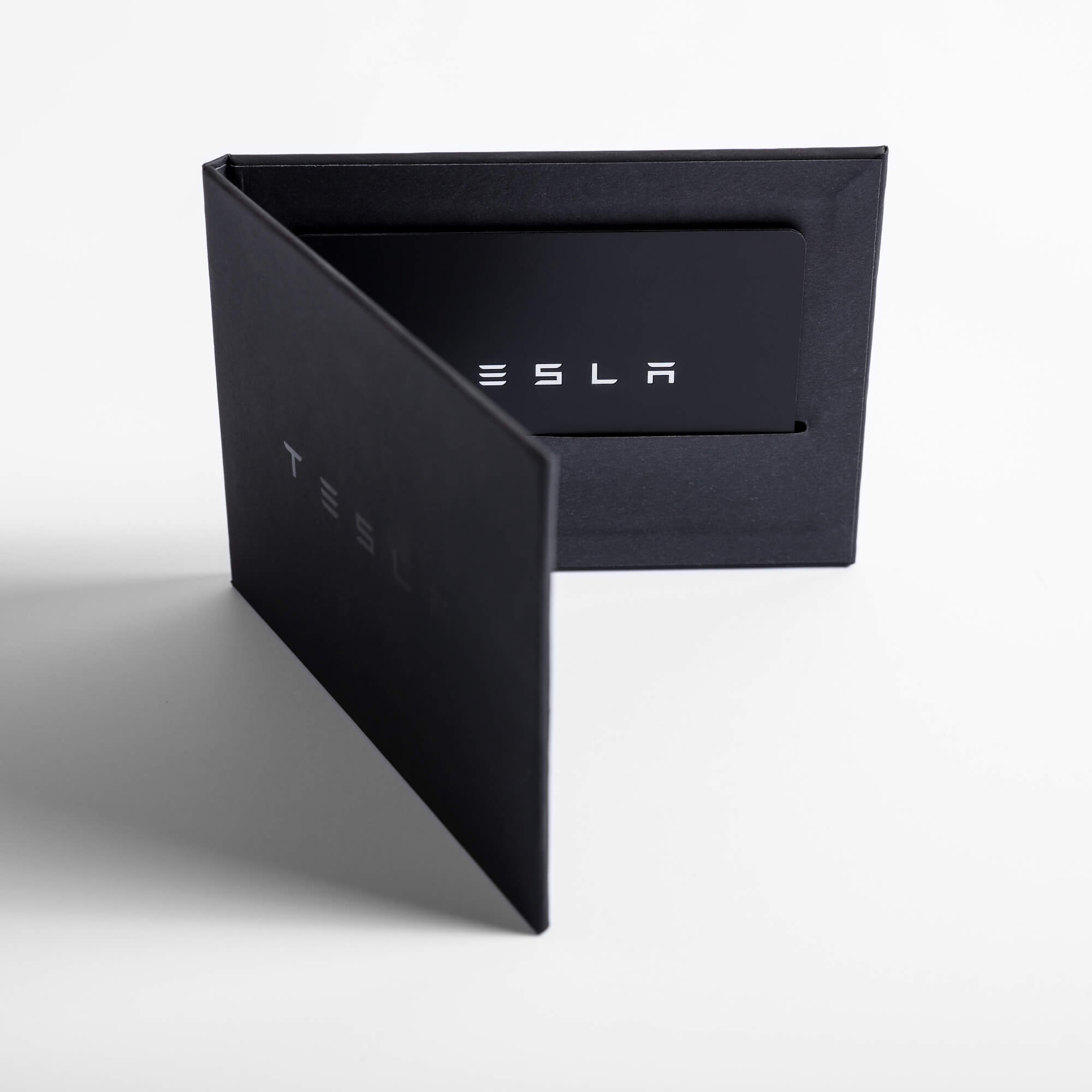
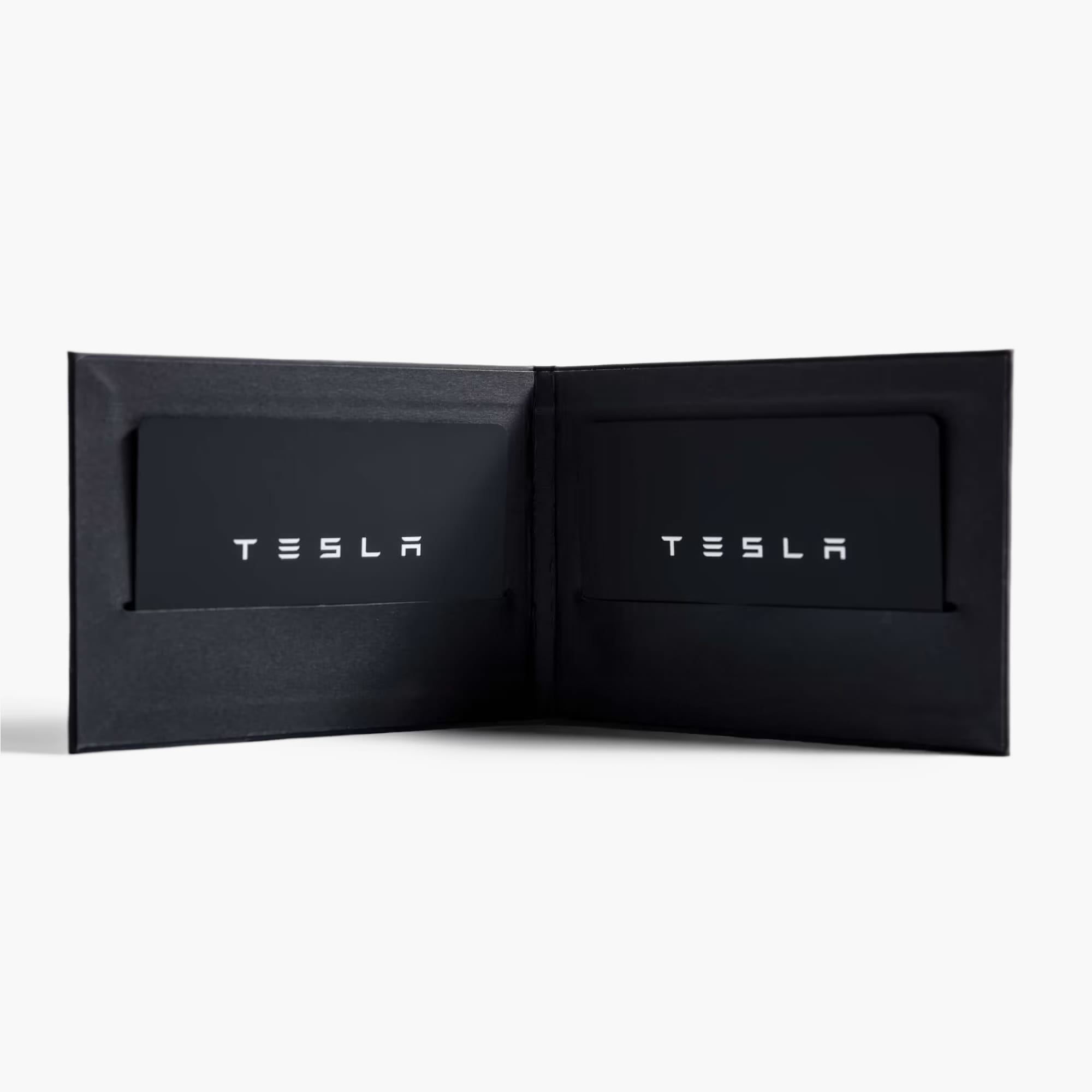
Your Model 3/Y comes with two key cards and one bifold wallet for easy entry, operation and transport. Key cards are your vehicle's primary key, and convenient for when your phone is not accessible, out of battery, if your vehicle loses LTE reception, or if someone else needs temporary access, such as a valet.
To lock or unlock, tap your Model 3/Y key card on the centre of the pillar to the right of the driver’s window. To start your Model 3/Y, tap your key card behind the cup holders and place your foot on the brake pedal to start.
Includes:
- 2x key cards
- 1x bifold wallet
Model 3 Adding and Removing Keys
Model Y Adding and Removing Keys
Note:
Your Model 3/Y comes with two key cards and one bifold wallet for easy entry, operation and transport. Key cards are your vehicle's primary key, and convenient for when your phone is not accessible, out of battery, if your vehicle loses LTE reception, or if someone else needs temporary access, such as a valet.
To lock or unlock, tap your Model 3/Y key card on the centre of the pillar to the right of the driver’s window. To start your Model 3/Y, tap your key card behind the cup holders and place your foot on the brake pedal to start.
Includes:
- 2x key cards
- 1x bifold wallet
Model 3 Adding and Removing Keys
Model Y Adding and Removing Keys
Note:
Model 3/Y Key Cards
$45
Retail Price: $45
Your Model 3/Y comes with two key cards and one bifold wallet for easy entry, operation and transport. Key cards are your vehicle's primary key, and convenient for when your phone is not accessible, out of battery, if your vehicle loses LTE reception, or if someone else needs temporary access, such as a valet.
To lock or unlock, tap your Model 3/Y key card on the centre of the pillar to the right of the driver’s window. To start your Model 3/Y, tap your key card behind the cup holders and place your foot on the brake pedal to start.
Includes:
- 2x key cards
- 1x bifold wallet
Model 3 Adding and Removing Keys
Model Y Adding and Removing Keys
Note:
Your Model 3/Y comes with two key cards and one bifold wallet for easy entry, operation and transport. Key cards are your vehicle's primary key, and convenient for when your phone is not accessible, out of battery, if your vehicle loses LTE reception, or if someone else needs temporary access, such as a valet.
To lock or unlock, tap your Model 3/Y key card on the centre of the pillar to the right of the driver’s window. To start your Model 3/Y, tap your key card behind the cup holders and place your foot on the brake pedal to start.
Includes:
- 2x key cards
- 1x bifold wallet
Model 3 Adding and Removing Keys
Model Y Adding and Removing Keys
Note: